
How to reduce returns on eBay: a guide for UK sellers
Every return costs you twice: the postage and your time, plus a sale you thought was finished. You can't stop every return (and buyers' rights to return items exist for good reasons), but most returns come down to a handful of causes you can do something about.
The usual reasons for returns
- "Not what I expected": size, colour or finish was different from what the buyer pictured.
- Wrong option chosen: the buyer picked the wrong size or style by mistake.
- Damaged in the post.
- Arrived too late for a birthday or event.
- Changed their mind.
Only the last one is really out of your hands.
1. Make the listing impossible to misread
- Put the most important detail (usually the size) in the title.
- Use plain photos on a white background, plus at least one photo that shows scale: next to a coin, a ruler or a hand.
- Photograph the real colour in daylight, and say if colours vary on screens.
- Answer the questions buyers ask you in the description, so the next buyer doesn't need to.
Size is the big one for small items. Our guide on buyers saying an item is smaller than expected goes into detail.
2. Catch mistakes before you post
A short message straight after payment that repeats what the buyer chose ("You've chosen the 100mm size in red") gives them a chance to correct a mistake before it's in the post. Fixing an order before dispatch costs nothing; fixing it after costs two lots of postage.
3. Pack for the worst journey
- Use a stiff board-backed envelope for anything that mustn't bend, such as prints and stickers.
- Wrap fragile items individually and fill gaps so nothing moves.
- Mark "Please do not bend" where it helps.
4. Set expectations on timing
- State your dispatch time honestly, and dispatch on time.
- Upload tracking as soon as it's posted. A message with the tracking number stops "where is my order?" worries. See our dispatch message templates.
5. Make it easy to come to you first
End every message with an invitation to get in touch if anything isn't right. A buyer who messages you can often be helped with a swap, a replacement or a partial refund, instead of starting a return.
Check what's working
In Seller Hub you can see your returns and the reasons buyers gave. If one listing keeps coming back for the same reason, that listing needs fixing, not the buyers.
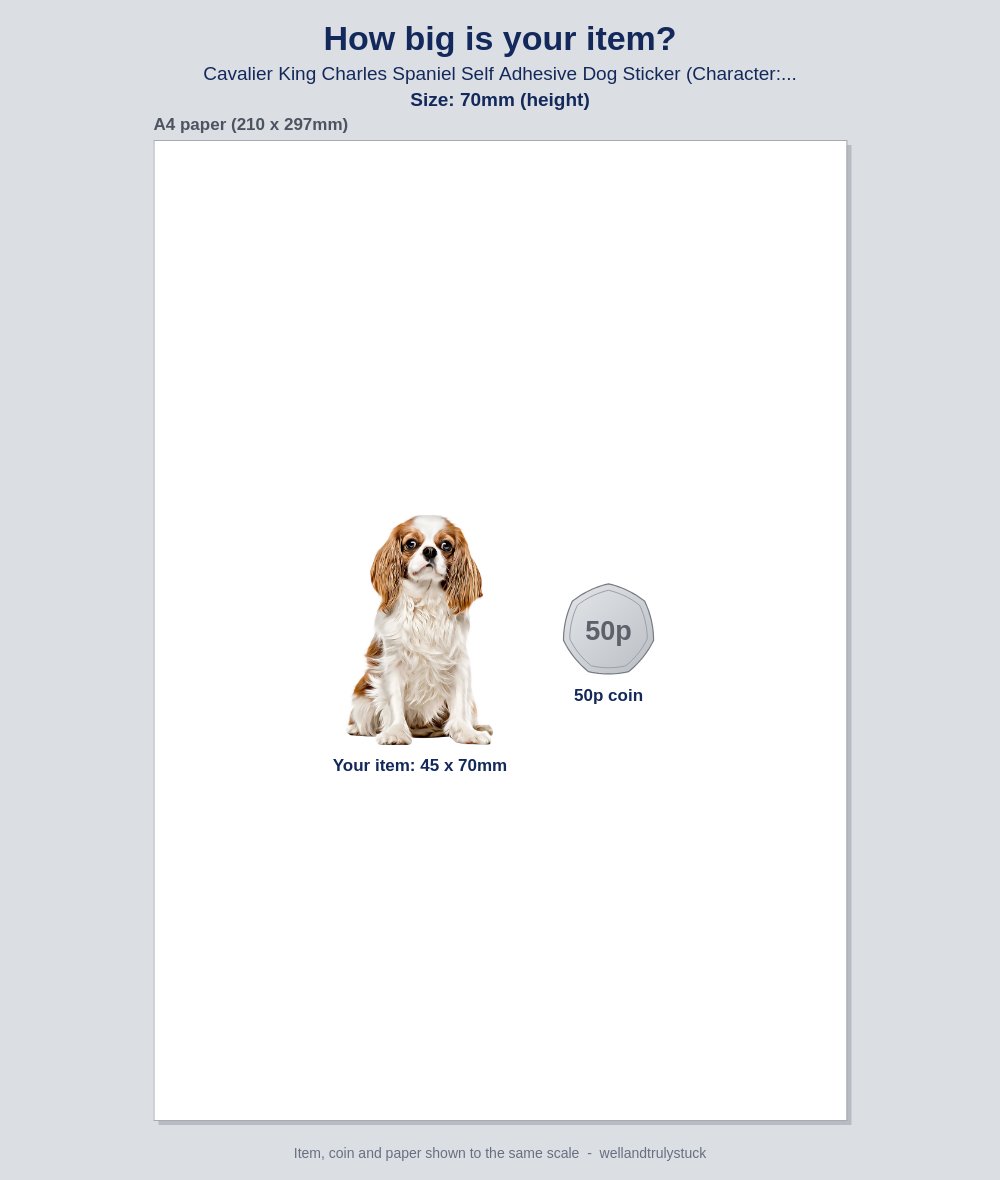
Show every buyer the size they ordered, automatically. SellerThanks can attach a "How big is your item?" picture to your after-payment message: the photo from your listing, drawn at the size the buyer chose, next to a 50p coin. It's made for each order, for the exact style and size they picked.
More guides: What to write in an eBay thank-you message, with examples · How to get more eBay feedback without breaking eBay's rules · eBay's rules on messaging buyers, explained · eBay buyer says the item is smaller than expected? How to prevent it · How to show the size of an item in your eBay listing · eBay dispatch message templates, with tracking · SellerThanks vs 3Dsellers: a simple alternative for small eBay sellers